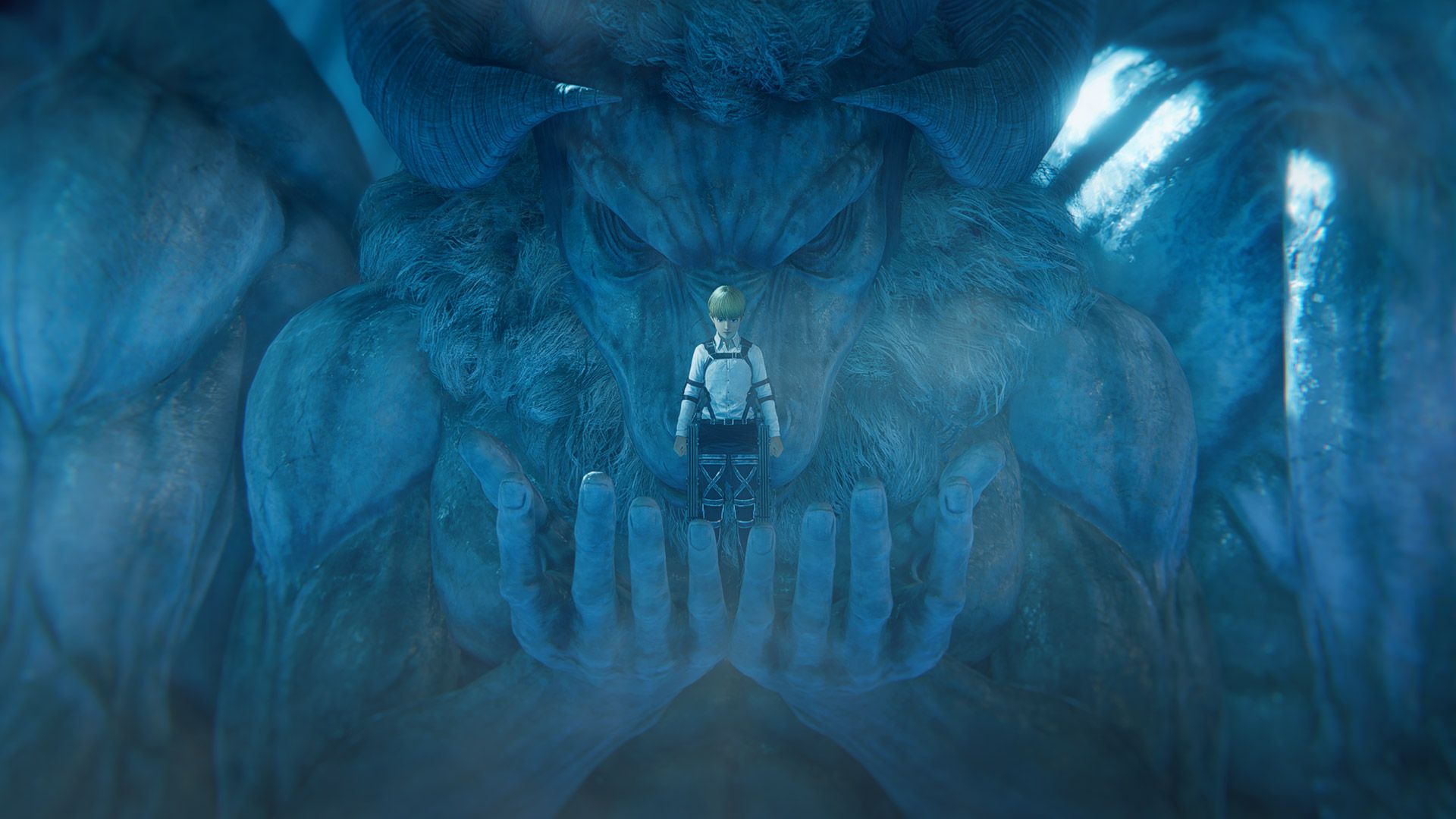
Koei Tecmo has not announced the final install size for Attack on Titan 3. The figures below are educated projections based on how the series has grown across three main entries. Actual sizes will be confirmed closer to launch.
Estimated install sizes by platform
| Platform | Estimated size | Free space needed |
|---|---|---|
| PS5 | ~70–85 GB | 100 GB recommended |
| Xbox Series X|S | ~70–85 GB | 100 GB recommended |
| Nintendo Switch 2 | ~50–65 GB | 75 GB recommended |
| PC (Steam) | ~80–100 GB | 120 GB recommended |
Why the game is getting bigger
Each successive entry in the Attack on Titan action series has increased in file size due to higher-resolution textures, larger environments, expanded audio libraries and additional animation data. A.O.T. 3 covers the complete story arc from beginning to climax — significantly more content than previous games — which naturally drives up asset counts and total package size.
Historical comparison
| Game | Approximate size |
|---|---|
| Attack on Titan 2 (PS4) | ~30 GB |
| A.O.T. 2: Final Battle (PS4) | ~40 GB |
| A.O.T. 3 estimate: ~70–100 GB | |
Platform-specific notes
PS5 and Xbox Series X|S
Both consoles support fast SSD-based loading, but neither allows significant game compression compared to HDD-targeted releases. Expect install sizes close to the upper end of our estimate range. If you plan to play with ray tracing or enhanced resolution modes enabled, those assets may also occupy additional space.
Nintendo Switch 2
The Switch 2 version uses a Game-Key Card that likely contains a small portion of core assets, with the bulk downloaded digitally. Internal storage is limited on base models, so external microSD expansion may be necessary depending on your card capacity. Digital purchases through the eShop count toward available space immediately upon completion.
PC (Steam)
PC installations tend to be larger than console versions because they don't use aggressive console-specific compression. Steam's download system may cache files during installation, meaning temporary disk usage could exceed the final install size by 10–20% during the initial download. Plan accordingly if your drive is near capacity.
Tips for managing installation space
- Delete old game files before starting the A.O.T. 3 download to ensure enough free space.
- Leave 10–20% extra headroom beyond the estimated size — some games require breathing room for unpacking compressed archives.
- On PC, verify your SSD is not near full capacity (above 85%) as this can slow down installation and runtime performance.
- Check for mandatory patch sizes at launch — day-one updates can add 5–15 GB on top of the base install.
FAQ
How big is Attack on Titan 3?
Estimated at 70–100 GB depending on platform. This is a projection based on the series' growth; official numbers will be announced closer to release.
Does Attack on Titan 3 need an SSD?
Strongly advised on PC and modern consoles. Previous entries ran on HDDs but loaded significantly faster with SSD storage.
Will there be a day-one patch?
Likely, based on precedent for Koei Tecmo titles. Day-one patches typically add 5–15 GB on top of the base install.
Can I pre-download Attack on Titan 3?
Pre-download availability depends on each platform storefront. Check PS Store, Microsoft Store, Nintendo eShop and Steam for early download options.